3D for UI Designers

By Kai Nakamura · 2,010 students enrolled ·
4.7 (134)
3D for UI Designers preview
  • Lifetime access Learn at your pace
  • Certificate On completion
  • 14-day guarantee Money-back policy

Skills you'll gain

Blender3D modelingBeginner

What you'll learn

  • Interface and navigation
  • Basic modeling techniques
  • Modifiers for UI objects
  • Organizing your scene
  • Rounded shapes for icon design
  • Material setup (glass, clay, metallic)
  • Studio lighting for icons
  • Batch rendering icon sets

Requirements

  • Aimed at a beginner level
  • Access to Blender (free tier is fine)
  • Curiosity and a willingness to practice

This course includes

≈ 5 weeks at 3h/week
  • 14 hours of on-demand video
  • 48 lessons
  • 12 downloadable resources
  • Access on mobile and desktop
  • Full lifetime access
  • Certificate of completion

Earn a certificate

Certificate

of completion

3D for UI Designers

Instructor · Kai Nakamura

HorizonX

Finish every lesson to earn a shareable certificate of completion — add it to your LinkedIn profile or résumé to showcase your new skills.

Add to your LinkedIn profile

About this course

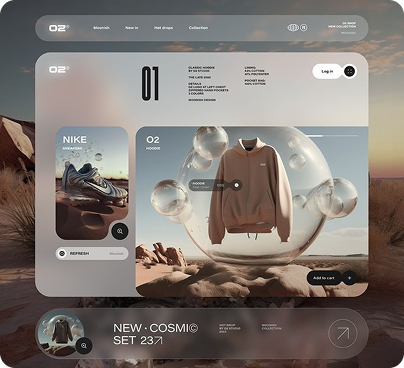
Learn 3D design specifically for UI/product designers — no film VFX, no game art, just the techniques you need to create 3D icons, illustrations, product mockups, and hero scenes for digital products. The course uses Blender (free) and focuses on speed and quality over technical complexity. You'll learn basic modeling, material setup, studio lighting, and rendering workflows optimized for web-resolution output. By the end, you'll be able to create a complete 3D icon set, product showcase scene, and animated hero section — all from scratch in Blender, exported and ready for your designs.
Frequently asked questions